- Página de inicio /
- Electrónica /
- Computer Accessories /
- Computer Accessories & Peripherals /
- Keyboards, Mice & Accessories /
- Computer Keyboards /
- Elgato Stream Deck Mini Control Zoom, Teams, ...
0 ratings


Nº de artículo:
9003717
Elgato Stream Deck Mini Control Zoom, Teams, PowerPoint, MS Office and More, Boost Productivity with Seamless Integration for Daily Apps, Set Up
88% of respondents would recommend this to a friend
Nº de artículo:
9003717
GTQ 571
Price Details
Excluding Shipping & Custom charges ( Shipping and custom charges will be calculated on checkout )
*All items will import from Estados Unidos
9%
En stock
 Importado de la tienda USA
QTY:
Solo quedan 10 artículos en stock.
Haz tu pedido ahora y recíbelo por ahí Viernes, Julio 10
Secured transaction
Ubuy works hard to protect your security and privacy. Our advanced payment security system ensures confidentiality by encrypting your information during transmission using AES (Advanced Encryption Standards) and SSL (Secure Socket Layer) protocols. Your payment details are 100% secure as we do not share your payment details with third party sellers.
Our Top Logistics Partners


Limitless control: Turn buttons into folders and multiply the number of available actions.

Fast
Shipping

Free
Return*

Secure Packaging

100% Original Products

PCI DSS Compliance

ISO 27001 Certified


What Stands Out
Compact Design
The Elgato Stream Deck Mini features a compact 6-button design, perfect for limited desk space while offering extensive functionality for seamless operation of daily applications.
Easy Setup
With a user-friendly interface, setting up shortcuts for Zoom, Teams, and more takes just minutes, allowing you to optimize productivity without technical hassles.
Cross-Platform Compatibility
Compatible with both Mac and PC, this device ensures versatility for various users, enhancing convenience for professionals across different operating systems.
Detalles de producto
- Work smarter not harder: forget keyboard shortcuts. Stream Deck Mini lets you assign tedious, hard to memorise shortcuts to a single key. Instantly identify and activate them without error.
- Compatible with your apps: Seamlessly integrate with essential software including Zoom, Teams, PowerPoint, Excel, Word, GoogleSuite, MS Office, Photoshop, Adobe Creative Apps, Spotify, Music, and many more.
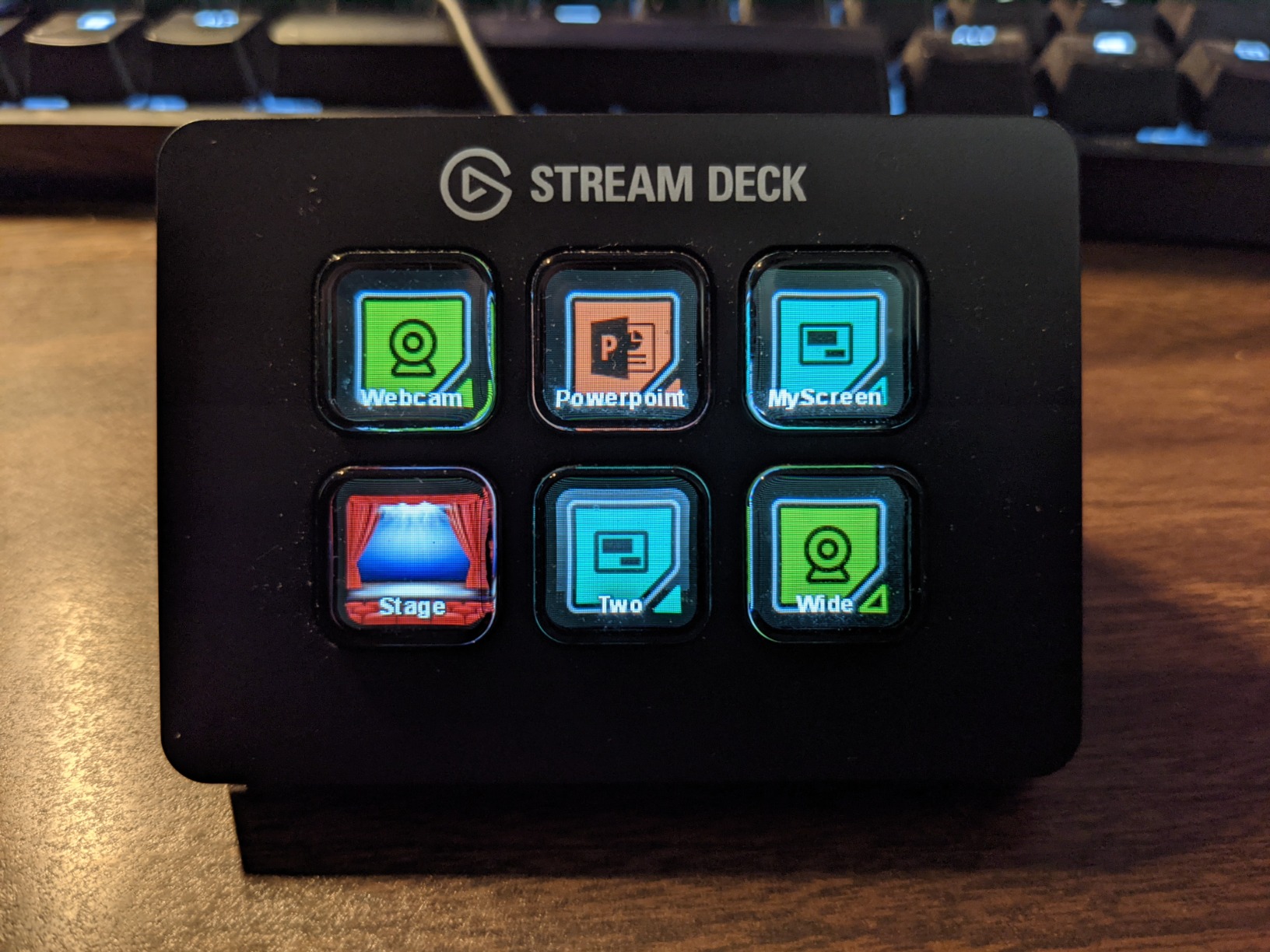
- Customizable LCD keys: Instantly activate commands and functions with a single tap.
- Easy Set Up: User-Friendly Software. Drag actions onto keys. Then personalize settings with ease.
- Multi-action efficiency: Execute multiple actions at once or in a sequence, precisely timed.
| Connectivity Technology | USB |
| Connector Type | Micro USB |
| Other Special Features of the Product | Compact |
| Resolution | 1080p |
| Supported Internet Services | YouTube |
| Controller Type | App Control |
| Form Factor | TV Box |
| RAM Memory Installed | 3 GB |
| Compatible Devices | Personal Computer |
| Memory Storage Capacity | 12 GB |
| Video Output Resolution | 1920 Pixels |
| Video Codec | H.264, H.265/HEVC |
| Smart Home Compatibility | Not Smart Home Compatible |
| Color | Black |
| Item Weight | 6.17 Ounces (174.92 grams) |
| Item Dimensions L x W x H | 2.4"L x 2.3"W x 3.3"H (6.1 x 5.8 x 8.4 cm) |
| Brand | Elgato |
| Model Number | 10GAI9901 |
| Model Name | stream deck mini |
| UPC | 813180020658 |
| Global Trade Identification Number | 00813180020658 |
| Mfr Part Number | 10GAI9901 |
| Manufacturer | Elgato |
| Unit Count | 1.0 Count |
| Item Type Name | Elgato Mini Stream Deck Live Content Creation Controller with 6 customizable LCD keys, for Windows 10 and macOS 10.11 or later, Black (10GAI9901) |
| External Testing Certification | Não Aplicável |
| Built-In Media | Stream Deck Mini, Quick Start Guide |
| Special Feature | Compact |
What's in the box
Stream Deck Mini, Quick Start Guide
Who Should Buy?

-
Content Creators
Ideal for streamers and YouTubers looking to control multiple applications and enhance their workflow effortlessly.
-
Remote Workers
Perfect for professionals using Zoom and Teams, streamlining meetings and presentations with customizable shortcuts.
-
Office Employees
Beneficial for those regularly working with MS Office applications, improving productivity through quick access to essential functions.

-
Casual Users
Not suitable for those who use their computer infrequently and do not require advanced shortcut functionalities.
-
Gamers
Gamers may find limited use as the device is designed primarily for productivity applications rather than gaming controls.
-
Budget-Conscious
Individuals looking for economical options may consider this product an unnecessary expense for basic tasks.
DESCRIPCIÓN DEL PRODUCTO
About This Item
Take control of your streaming and content creation with the Elgato Stream Deck Mini. This compact studio controller features 6 macro keys, enabling you to trigger actions in apps and software such as OBS, Twitch, YouTube, and more for both Mac and PC. Whether you're a seasoned streamer or a budding content creator, the Elgato Stream Deck Mini provides a seamless and efficient way to manage your broadcasts and recordings.
Elevate your production quality and streamline your workflow with this essential tool designed to enhance your online presence.
¿Tienes alguna consulta? Chatea con nosotros
Preguntas y respuestas de los clientes
-
Pregunta:
What is the Elgato Stream Deck Mini used for?
Respuesta: The Elgato Stream Deck Mini is a customizable control pad designed to enhance productivity by allowing users to execute commands seamlessly. With its programmable buttons, you can manage applications like Zoom, Teams, and PowerPoint effectively. This device is ideal for professionals who conduct virtual meetings or presentations, as it enables quick transitions between tasks, helps manage live streams, and allows for immediate access to frequently used functions to streamline workflows. -
Pregunta:
How do I set up the Elgato Stream Deck Mini?
Respuesta: Setting up the Elgato Stream Deck Mini is straightforward. Simply connect it to your computer via USB, download the companion application, and follow the on-screen instructions to customize your buttons. You can assign commands for various applications and workflows. This setup is beneficial for users who want a personalized experience, allowing them to create unique profiles tailored to specific needs or software, enhancing productivity significantly across different tasks. -
Pregunta:
Can the Elgato Stream Deck Mini integrate with other applications?
Respuesta: Yes, the Elgato Stream Deck Mini seamlessly integrates with numerous popular applications beyond Zoom and Teams, including MS Office, OBS, and more. This versatility allows users to control various functionalities like scene transitions for streaming or managing content while working on presentations. For instance, content creators can utilize it to switch scenes during a live stream, while educators can flip slides effortlessly during their online classes, boosting engagement and efficiency. -
Pregunta:
Is the Elgato Stream Deck Mini compatible with Mac and Windows?
Respuesta: The Elgato Stream Deck Mini is compatible with both Mac and Windows systems, making it an excellent choice for a wide range of users. After downloading the Stream Deck software compatible with your operating system, you can start customizing your buttons right away. This cross-platform capability is advantageous for teams working in diverse environments, allowing for unified workflows and improved communication using any device. -
Pregunta:
What features make the Elgato Stream Deck Mini beneficial for remote work?
Respuesta: The Elgato Stream Deck Mini offers several features that significantly enhance remote work, including customizable keys for quick access to applications and functions needed during virtual meetings. The device’s ability to execute multiple actions per button tap can simplify workflows, such as muting oneself in Zoom while presenting slides in PowerPoint. This utility ensures smoother presentations and meetings, thus facilitating a more professional remote work environment. -
Pregunta:
How many customizable buttons does the Elgato Stream Deck Mini have?
Respuesta: The Elgato Stream Deck Mini comes equipped with six customizable LCD keys. Each button can be programmed to perform multiple functions, such as launching apps, sending messages, or controlling multimedia playback. This feature is particularly useful for creators and presenters who require quick access to various tools at their fingertips, thus minimizing distractions and allowing for a sharper focus during important tasks. -
Pregunta:
Can I use the Elgato Stream Deck Mini for gaming?
Respuesta: Absolutely! The Elgato Stream Deck Mini can be utilized for gaming as well. Gamers can customize the keys to execute specific commands, such as launching games, switching between streaming applications, or sending quick messages to teammates. By streamlining these actions onto a single device, players can significantly enhance their gaming experience and boost performance in competitive environments. -
Pregunta:
Does the Elgato Stream Deck Mini work with OBS Studio?
Respuesta: Yes, the Elgato Stream Deck Mini is fully compatible with OBS Studio, allowing users to control streaming setups seamlessly. Users can easily switch scenes, start or stop streaming, and adjust audio sources with the touch of a button. This hands-on control is essential for streamers looking to maintain high production quality while managing their broadcasts, making every session smoother and more professional. -
Pregunta:
Can I create profiles for different applications on the Elgato Stream Deck Mini?
Respuesta: Yes, you can create multiple profiles on the Elgato Stream Deck Mini, each tailored to different applications or tasks. This feature allows users to switch between profiles based on their current activities, whether it’s gaming, streaming, or working on a presentation. Such customization enhances productivity by providing instant access to relevant commands and functions, particularly useful for multitaskers and professionals who juggle various responsibilities. -
Pregunta:
Where can I buy Elgato Stream Deck Mini in Guatemala?
Respuesta: You can purchase the Elgato Stream Deck Mini through Ubuy in Guatemala. Ubuy offers a variety of options for this product, providing a reliable platform for acquiring the Elgato Stream Deck Mini along with potential shipping solutions and customer support to assist you in making the right purchase decision.
Elgato Keyboards 10GAI9901 Editorial Review




No se encontraron reseñas editoriales
Customer Reviews & Ratings
7822 valoraciones de los clientes
-
5 estrella
85%
-
4 estrella
11%
-
3 estrella
3%
-
2 estrella
0%
-
1 estrella
1%
Revisar este producto
Comparte tus ideas con otros clientes
Platform Trust & Buyer Confidence

MT
Mohd
Verified buyer
“The product received very good packaging & safe…Thank You”
16 June 2026 · via Trustpilot
SJ
Shawati
Verified buyer
“Accurate delivery timing given”
16 June 2026 · via Trustpilot
YB
Youcef
Verified buyer
“Not madly expensive like I thought, and much quicker than promised.”
15 June 2026 · via Trustpilot
LM
Leila
Verified buyer
“Never dealt with Ubuy before, but everything worked out great. Seamless cross border purchasing and shipping. Thanks!”
6/7/2026 · via Trustpilot
KA
Kwame
Verified buyer
“The process was smooth, with clear communication and timelines. This was my 1st purchase and I am really impressed. I will definitely be coming back.”
12 June 2026 · via Trustpilot
Pago seguro
Global Delivery
Easy Returns
Genuine Products
Product Price History
Información importante
- Limitaciones: Para los productos enviados al extranjero, ten en cuenta que cualquier garantía del fabricante puede no ser válida; las opciones de servicio del fabricante pueden no estar disponibles; los manuales del producto, las instrucciones y las advertencias de seguridad pueden no estar en los idiomas del país de destino; los productos (y los materiales que los acompañan) pueden no estar diseñados de acuerdo con las normas, especificaciones y requisitos de etiquetado del país de destino; y los productos pueden no ajustarse al voltaje del país de destino y a otras normas eléctricas (lo que requiere el uso de un adaptador o convertidor, si procede). El destinatario es responsable de asegurarse de que el producto puede ser importado legalmente al país de destino. Cuando hagas un pedido a Ubuy o a sus filiales, el destinatario es el importador registrado y debe cumplir todas las leyes y normativas del país de destino.
- No todos los productos que aparecen en Ubuy están a la venta, ya que Ubuy es un motor de búsqueda a nivel mundial. Los productos están sujetos a las normas de exportación/comercio.
GTQ 571
Haz tu pedido ahora y recíbelo por ahí Viernes, Julio 10
This item is not restrict in my country.(Please click on above link if this item is not restrict in your country, So our team will review and allow.)
QTY:
Solo quedan 10 artículos en stock.
Secured transaction
Ubuy works hard to protect your security and privacy. Our advanced payment security system ensures confidentiality by encrypting your information during transmission using AES (Advanced Encryption Standards) and SSL (Secure Socket Layer) protocols. Your payment details are 100% secure as we do not share your payment details with third party sellers.
Our Top Logistics Partners
Fastest cross-border delivery
características y beneficios
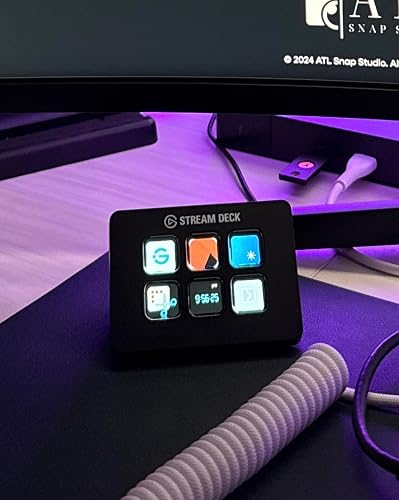
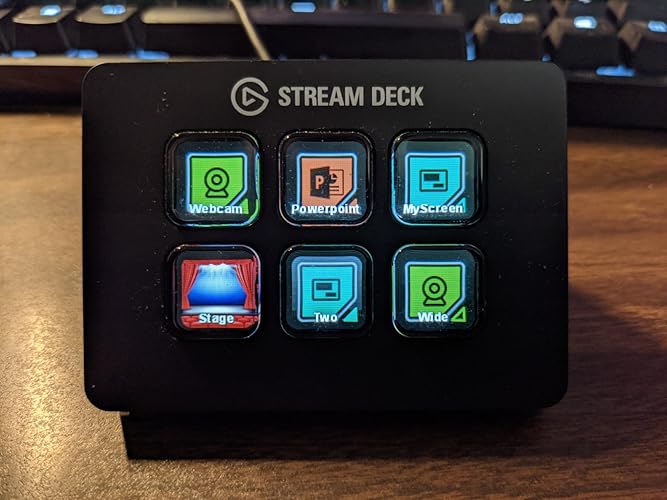
- 6 customizable LCD keys for versatile scene and media control.
- Easily switch between multiple actions with a single button push.
- Personalize your buttons with custom icons or select from preset options.
- Ideal for controlling YouTube, Mixer, and other applications.
- Quick and easy setup with simple drag-and-drop functionality.
- Enhance your workflow with limitless potential for productivity.